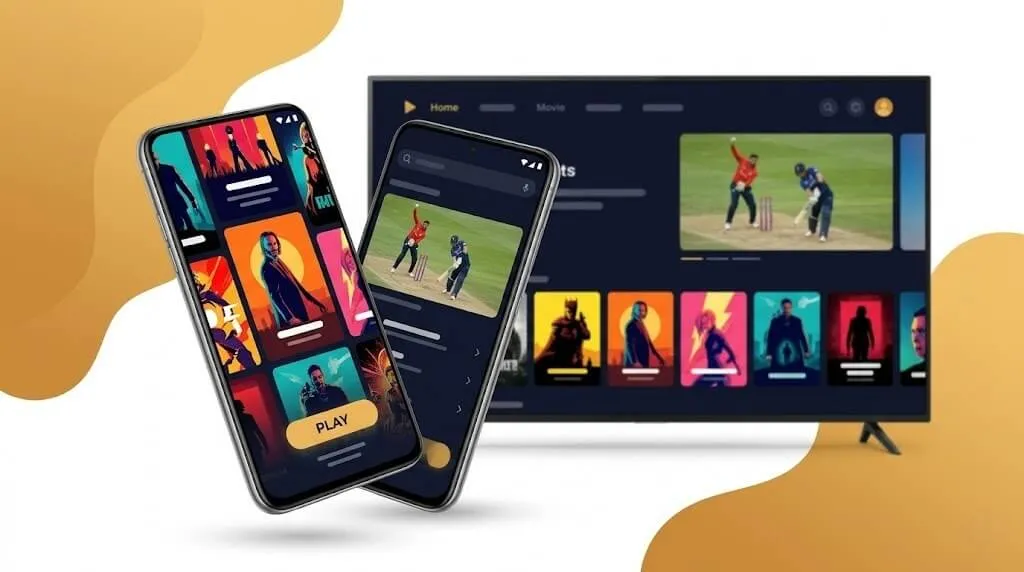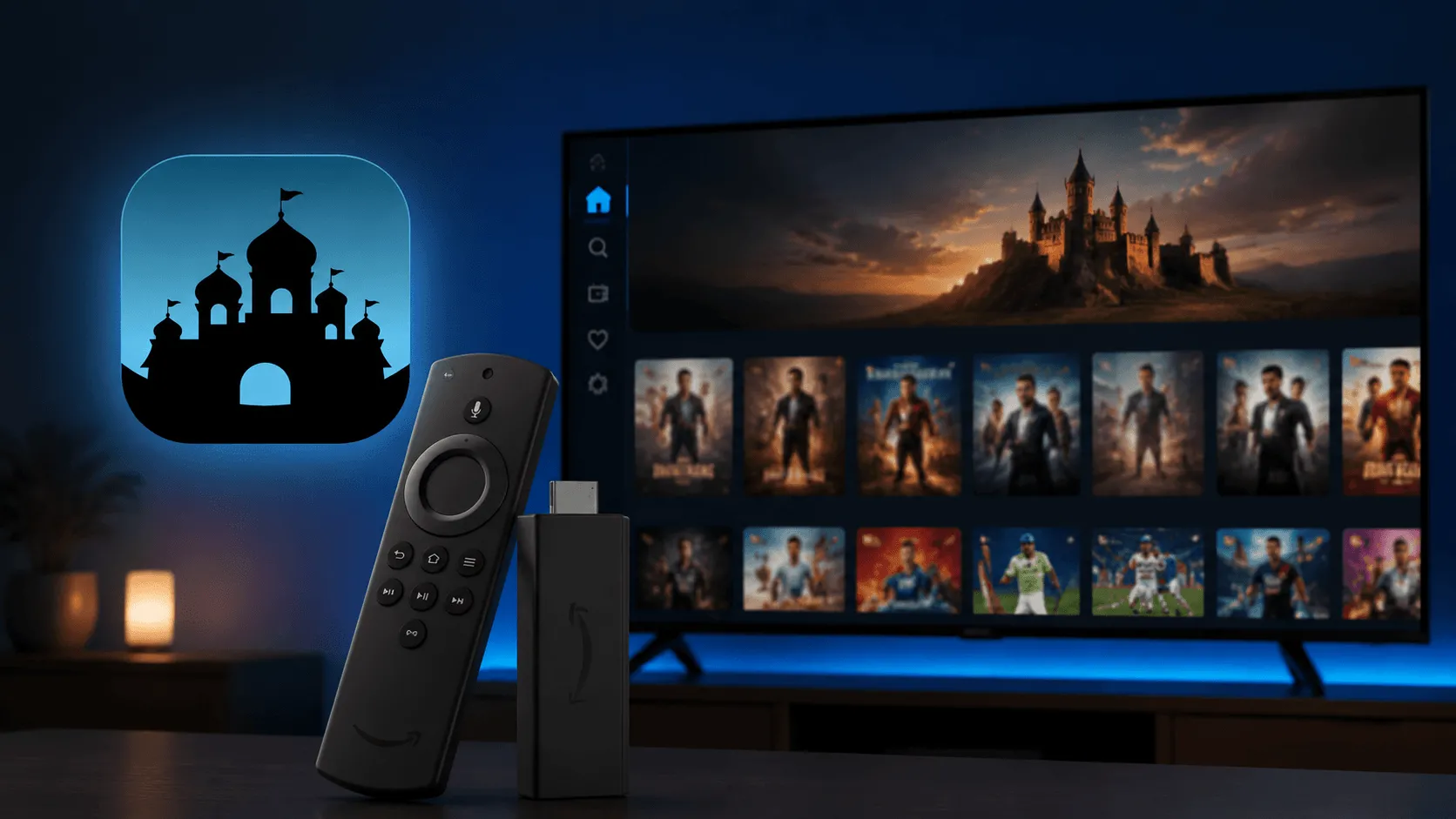
Castle TV has quickly become a go-to home theater app for viewers who want a massive library of movies, TV shows, and live channels — all on a single device. With 100,000+ movies & TV shows and 300+ TV channels packed into one app, keeping Castle TV up to date is the simplest way to make sure every stream runs smoothly on your big screen. This guide walks you through why updates matter and how to install the newest version of Castle TV on your smart TV, set-top box, or Firestick.
Why You Should Update Castle TV
1. Access the latest content
The Castle TV library expands constantly with new movies and TV shows from India and around the world. Updating gives you immediate access to the freshest titles in the catalog, so you never miss a new release.
2. Smoother HD streaming
Every release brings playback optimizations that reduce buffering, sharpen video quality, and shorten loading times — especially on Full HD content. The result is a true theater-like experience on your TV.
3. Better live TV channel performance
With 300+ live channels organized by category, updates frequently include faster channel switching, quicker guide loading, and refined sorting, so jumping between favorites feels instant.
4. Bug fixes and stability
Crashes, freezing, subtitle desync, and other small issues get patched in every release. A current version means fewer interruptions during the best part of the movie.
5. Compatibility with the newest devices
Smart TVs, Firesticks, and set-top boxes receive system updates of their own. Keeping Castle TV current ensures it stays fully compatible with the latest Android TV builds and TV operating systems.
6. Security improvements
Updates roll in the latest security patches that protect your account and viewing data — important for any app where you sign in and stream.
How to Update Castle TV on Your TV
Updating is essentially installing the latest Castle APK on your device. You can grab the newest version directly from our TV download button on the homepage — then pick whichever installation method matches your setup.
💡 Tip: For the best experience, your device should have at least 2GB of RAM.
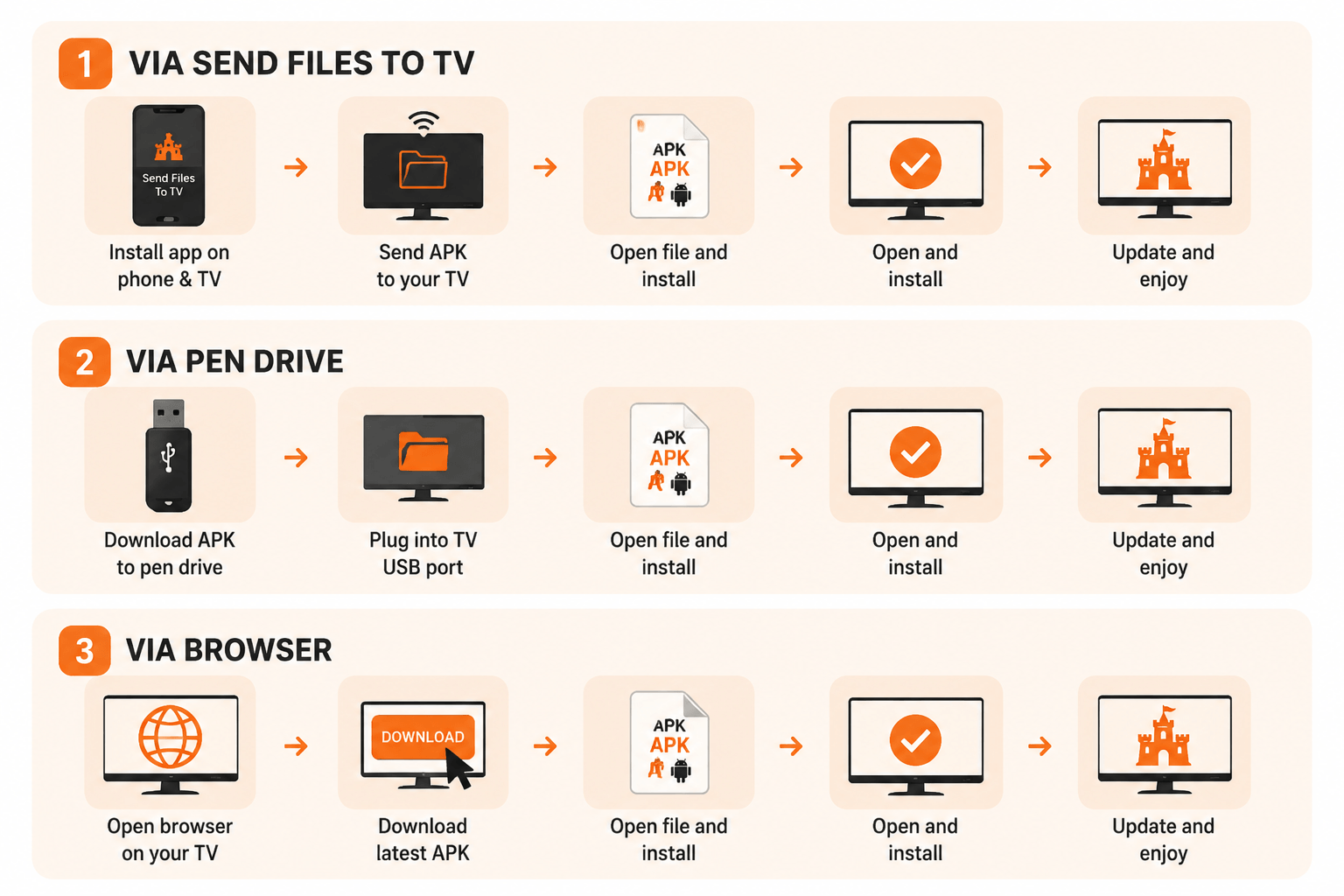
Method 1: Update via "Send Files to TV"
The fastest option if you have a phone handy.
- Install the "Send Files to TV" app on both your phone and your smart TV.
- Make sure both devices are on the same Wi-Fi network.
- Download the latest Castle APK to your phone using the TV download button on our homepage.
- Open Send Files to TV on your phone, select the APK, and send it to your TV.
- On the TV, open the received file and follow the on-screen prompts to install.
Method 2: Update via Pen Drive
A reliable option for any TV with a USB port.
- Download the latest Castle APK to your computer using the TV download button on our homepage.
- Copy the APK file to a pen drive.
- Insert the pen drive into your TV's USB port.
- Open the TV's File Manager and navigate to the pen drive.
- Locate the Castle APK and select it to install.
- If prompted, allow installation from "Unknown sources" in your TV's settings.
- Once installed, launch Castle TV from your apps list.
Method 3: Update via Browser
The most direct method — no extra devices needed.
- Open the built-in browser on your smart TV.
- Visit our homepage in the address bar.
- Tap the TV download button to get the newest APK.
- Confirm the download when prompted.
- After the download finishes, follow the prompts to install.
- Open Castle TV from your TV's app list and sign in to continue watching.
⚠️ Note: Some TVs require you to enable "Install from Unknown Sources" in the security settings before installing apps from outside the official store.
Quick Troubleshooting After an Update
| Issue | Quick Fix |
|---|---|
| App won't launch | Restart your TV. If the issue persists, uninstall the old version and reinstall the latest APK. |
| Buffering on HD playback | Check your network speed; switch to a 5GHz Wi-Fi band or wired connection if available. |
| TV channels not loading | Clear the Castle TV cache from your device settings, then reopen the app. |
| Installation blocked | Enable "Install from Unknown Sources" in your TV's security settings. |
| Sign-in problems | Confirm your subscription status — one Castle TV account works on both mobile and TV simultaneously. |
| Update file won't install | Make sure the old version is fully removed before installing the new APK to avoid version conflicts. |
Final Thoughts
Updating Castle TV only takes a minute, but it unlocks the latest content, smoother streaming, and the newest channels in your lineup. Whether you install via Send Files to TV, a pen drive, or directly from the browser, you'll be back to your home theater in no time.
👉 Grab the newest version using the TV download button on our homepage and enjoy uninterrupted streaming on every device.